
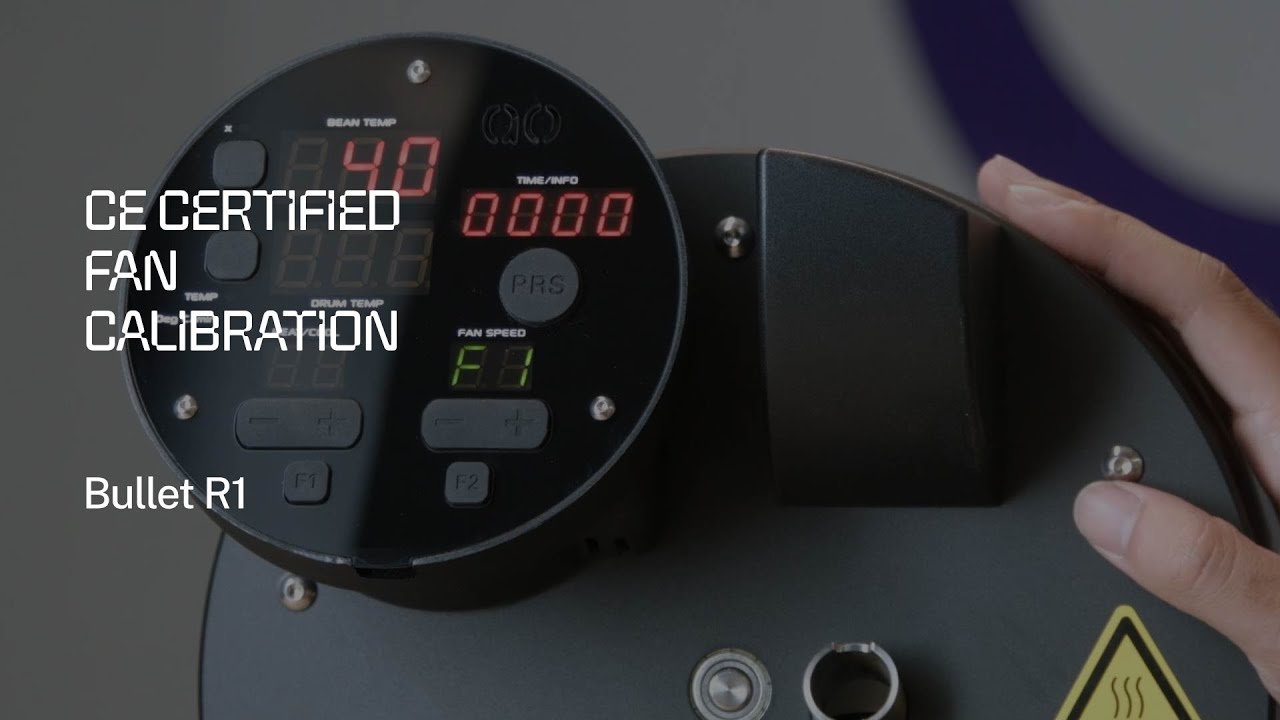
What Is Certified Fan Calibration?
The Certified Fan Calibration is an official Aillio procedure that synchronises the Bullet R1's fan speed readings in RoasTime with the actual RPM of the exhaust fan inside your machine. Because small manufacturing tolerances mean no two fans spin at exactly the same RPM for a given setting, calibration ties your specific machine's fan to known reference values — so Fan 1 through Fan 9 mean the same airflow on every calibrated Bullet worldwide.
Aillio calls this certified because the result is written back to the machine's firmware memory and verified against factory benchmarks. If your fan reading drifts after heavy use or a drum cleaning session, running this procedure restores accuracy.
Why Fan Accuracy Matters for Roasting
The exhaust fan does more than cool the drum — it controls convective heat transfer and the rate at which chaff, moisture, and volatile gases leave the drum. Even a small offset between your intended fan speed and actual airflow changes:
- Rate of Rise (RoR) — higher airflow removes heat faster, flattening the RoR curve
- First Crack timing — inconsistent airflow shifts the temperature at which beans crack
- Roast development — post-crack flavour depends on a stable thermal environment
- Profile reproducibility — repeating a saved profile assumes the fan behaves the same each time
For home roasters trying to dial in a consistent cup, an uncalibrated fan is a hidden variable that can make identical-looking profiles taste different batch to batch.
When to Run Certified Fan Calibration
Aillio recommends calibrating:
- On first setup of a new or replacement machine
- After any service that involves the exhaust fan or chaff collector
- If RoasTime reports a fan error or the fan speed gauge behaves erratically
- Periodically — roughly every 50–100 roasts as a good-practice maintenance step
How to Run the Calibration
Connect your Bullet R1 to your computer via USB and open RoasTime. Navigate to Settings → Machine → Fan Calibration. The wizard will step through each fan speed from 1 to 9, holding the fan at each level for several seconds while the firmware measures actual RPM and writes correction offsets. The entire process takes approximately 2–3 minutes and the machine must be at ambient temperature before you begin — do not run calibration immediately after a roast.
Once complete, RoasTime displays a confirmation and the new calibration data is saved to the Bullet R1's onboard memory. You can verify the result by watching the fan tachometer in the roast dashboard — it should respond smoothly and reach its target speed without hunting.
Troubleshooting Tips
- If calibration fails at a specific fan speed, check the chaff collector for blockage and clean the exhaust path before retrying.
- Ensure the drum is seated correctly — a loose drum can cause airflow turbulence that confuses the sensor.
- Run calibration on a stable power supply; voltage fluctuations can cause inconsistent readings.
For technical issues beyond routine calibration, the Aillio Support team is the best resource. Contact them directly at aillio.com/contact-us or reach out to Bullet Vietnam for local assistance.