
Why Upgrade Your Bullet R1 to V2?
The Aillio Bullet R1 set a new standard for home and micro-roastery coffee roasting when it launched. But technology moves fast, and Aillio listened to their community. The V2 Upgrade Kit is Aillio's official hardware upgrade path for existing R1 owners — letting you bring your machine up to near-V2 specifications without the cost of replacing it entirely.
This video, part of Aillio's Technical Support series, walks through the complete upgrade process step by step. Whether you're a hands-on tinkerer or a cautious first-timer, following the process carefully will result in a noticeably improved roaster.
What's Included in the V2 Upgrade Kit
The V2 upgrade package addresses both performance and reliability improvements over the original R1 hardware. Key components include:
- Updated front plate assembly — redesigned for better airflow and easier access to internals
- Revised electronics board — improved thermal management and more stable sensor readings
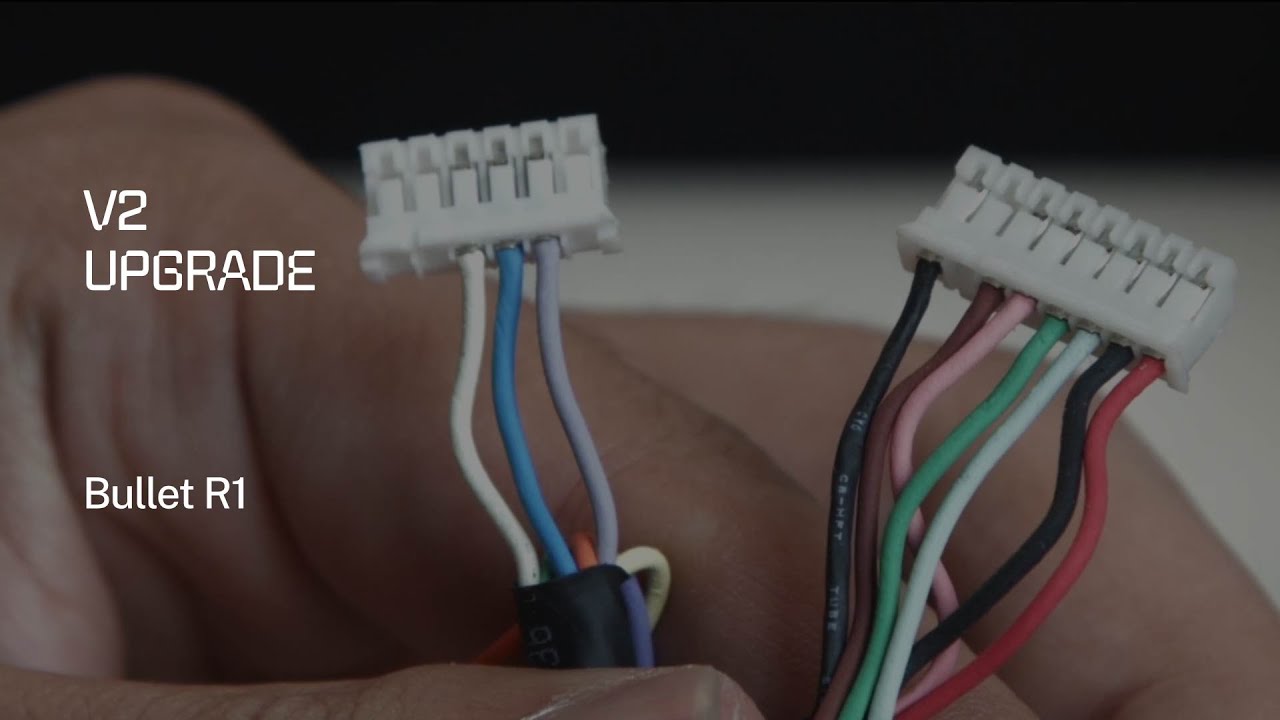
- Updated wiring harness — better routing to reduce heat stress on connectors
- Pro Cooling Tray — the headline addition, dramatically reducing post-roast cooling time
The Pro Cooling Tray: A Game-Changer
Of all the improvements in the V2 upgrade, the Pro Cooling Tray has the most immediate impact on your daily roasting workflow. The original R1 cooling tray relied on passive airflow and a modest fan. The Pro Cooling Tray replaces this with a more powerful, active cooling system that cools a full 1kg batch in a fraction of the time.
Why does this matter? Because rapid cooling is critical to locking in your roast profile at exactly the right development stage. Slow cooling allows beans to continue developing — especially dangerous for light roasts where margins are tight. With the Pro Cooling Tray, you have precise control over where the roast actually ends.
Step-by-Step Upgrade Process
Aillio designed this upgrade to be performed by confident DIYers. Before starting, ensure your roaster is fully cooled and completely unplugged. Never work on a warm machine.
- Lay the roaster on a stable, well-lit work surface with all tools at hand
- Remove the front panel screws and carefully separate the front cover from the machine body
- Photograph existing wiring connections before disconnecting anything
- Disconnect the wiring harness from the original front plate assembly
- Install the new front plate, routing cables exactly as shown in the upgrade diagram
- Reconnect all wiring harness plugs — check each connector seats fully before proceeding
- Mount the Pro Cooling Tray to the machine frame using the provided hardware
- Reassemble the outer casing and run a dry (no-bean) test cycle to verify everything operates correctly
Firmware Update After the Physical Upgrade
Hardware alone is not enough — the V2 upgrade also requires a firmware update via RoasTime to activate new features, recalibrate sensor offsets, and ensure full compatibility with the updated electronics. Always update RoasTime to the latest version before flashing firmware, and follow the in-app prompts carefully.
When to Call Aillio Support
This upgrade is designed for users who are comfortable with basic electronics work. If you encounter error codes, unusual sensor readings, or difficulty seating connectors, do not force anything. Aillio's support team is available at aillio.com/contact-us and can help you troubleshoot specific issues — this is far better than risking damage by proceeding with uncertainty.
Is the V2 Upgrade Worth It?
For existing Bullet R1 owners, the answer is almost always yes. You get meaningfully improved hardware, Pro Cooling Tray performance, and continued firmware support — all while keeping the machine you already know. The upgrade extends the productive life of your roaster and brings it in line with current-generation Aillio machines.