
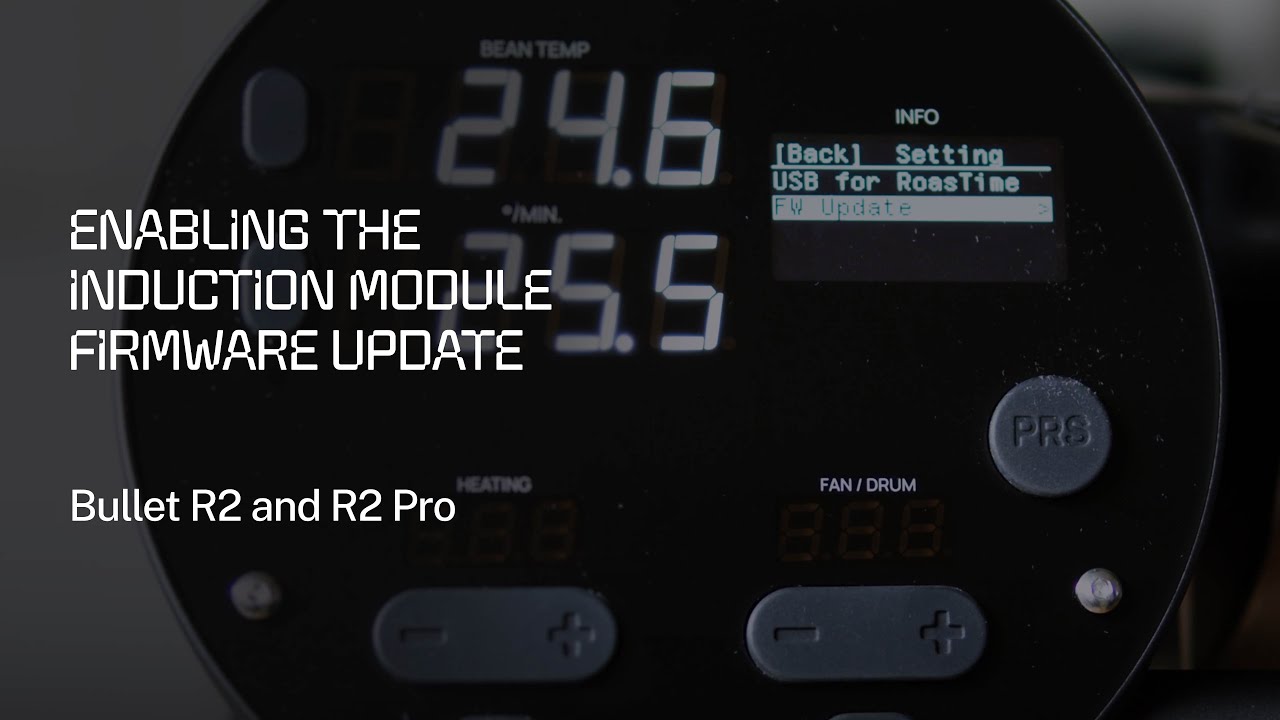
What Is the Induction Module on the Bullet R2?
The Aillio Bullet R2 and R2 Pro use a sophisticated induction heating system to deliver precise, repeatable heat to your coffee beans during every roast. The induction module is the core hardware component responsible for this heating — and like any advanced electronics, it runs on firmware that Aillio periodically updates to improve performance, stability, and safety.
Unlike the main Bullet firmware, the induction module firmware is a separate component that requires a deliberate, manual step to update. This separation is intentional: the induction module update is a more sensitive procedure that must be performed carefully to avoid interruption.
Why Keep the Induction Module Firmware Up to Date?
Skipping firmware updates might seem harmless, but for a precision roasting instrument like the Bullet R2, staying current matters. Updating your induction module firmware ensures:
- Improved heating accuracy — better temperature stability and responsiveness during roast profiles
- Bug fixes — resolves known issues that may cause unexpected heating behavior or RoasTime errors
- Software compatibility — keeps the module aligned with the latest RoasTime and Roast.World features
- Long-term reliability — reduces the risk of hardware-software mismatches as your setup evolves
Before You Begin
A few prerequisites to check before starting the update:
- Your RoasTime software is updated to the latest version
- Your Bullet R2 main firmware is already up to date
- You have a stable USB connection between the Bullet R2 and your computer
- Your computer will not go to sleep or run resource-heavy tasks during the update
Step-by-Step: Enabling the Induction Module Firmware Update
- Launch RoasTime — Open the latest version of RoasTime on your Mac or PC.
- Power on and connect the Bullet R2 — Turn on the machine and connect it to your computer via the USB cable.
- Navigate to the Firmware panel — In RoasTime, go to Settings and locate the Firmware / Device Update section.
- Enable the induction module update — Look for a specific toggle or button for the induction module firmware. Enable it to allow the update to proceed.
- Start the update and wait — Do not disconnect the USB cable, power off the machine, or close RoasTime during this process. The update typically takes a few minutes.
- Power cycle the Bullet R2 — Once RoasTime confirms the update is complete, turn the machine off and back on to apply the new firmware.
Troubleshooting and Support
If the update fails, the machine does not reconnect after restarting, or you notice unusual behavior after the update, do not attempt to repeat the process without guidance. Contact the Aillio support team directly — they are best placed to assist with firmware-level issues.
Aillio support: aillio.com/contact-us
Local Support in Vietnam
As Aillio's authorized distributor in Vietnam, Bullet.vn is here to help you get the most out of your Bullet R2 or R2 Pro. Whether you need help with firmware updates, RoasTime setup, or roasting guidance, reach out to our team for Vietnamese-language support.