
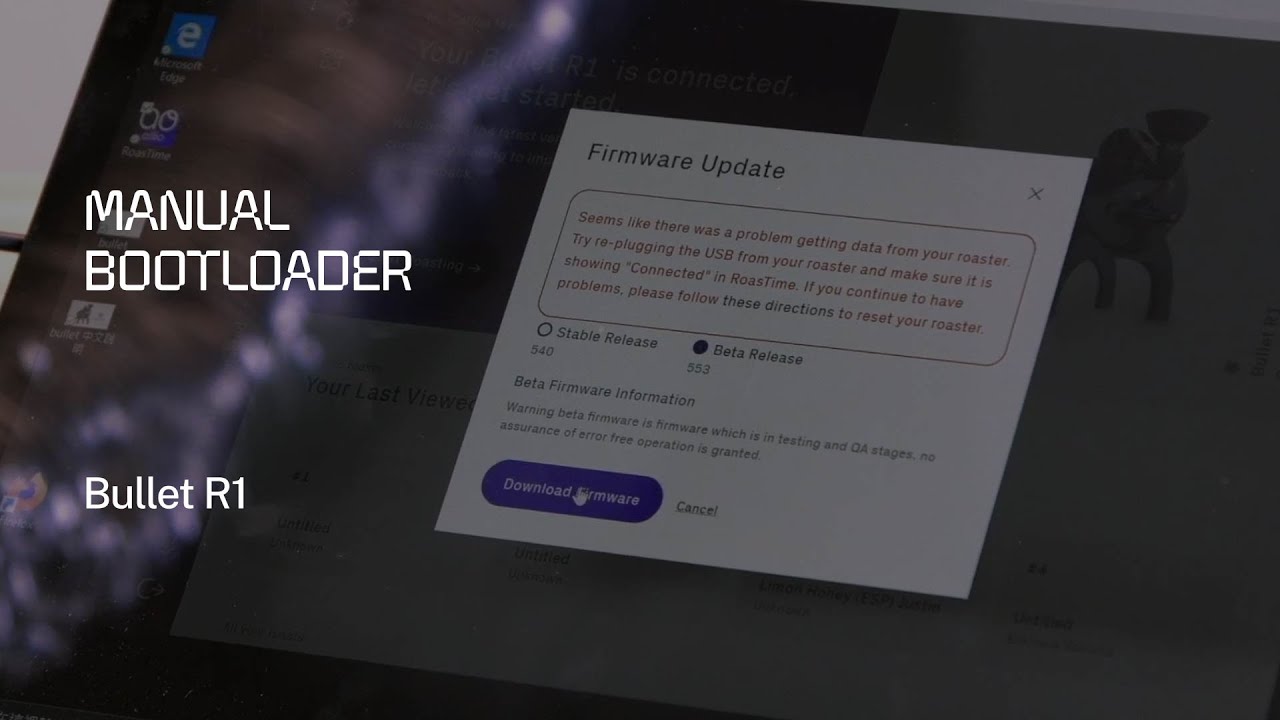
What Is the Manual Bootloader on the Bullet R1?
The Aillio Bullet R1 runs on firmware that is updated through the RoasTime desktop application. Under normal conditions this process is automatic — RoasTime detects the roaster over USB, downloads the latest firmware, and flashes it in a single click. However, if a firmware update is interrupted (power outage, USB disconnect, or a software crash), the roaster can end up in a half-flashed state where it no longer responds to the computer or refuses to start a roast.
In those situations, Aillio provides a manual bootloader procedure: a specific button sequence performed directly on the roaster that forces the device into a safe recovery mode. From there, RoasTime can detect the bootloader and complete a fresh firmware installation without any data from the corrupted flash interfering.
When Should You Use the Manual Bootloader?
The manual bootloader is a last-resort troubleshooting step. You should consider it when:
- The Bullet R1 powers on but RoasTime cannot detect or connect to it
- A firmware update started but failed midway, and the roaster is now stuck on a loading screen or shows garbled display output
- The roaster display shows unexpected characters or freezes on startup
- Aillio support has specifically instructed you to perform this procedure
Do not attempt the manual bootloader as a first step for connectivity issues — always try a different USB cable, a different USB port, and a full power cycle first. The manual bootloader is a firmware-level tool, not a general troubleshooting shortcut.
Step-by-Step: Triggering the Manual Bootloader
What You Need
- Aillio Bullet R1 roaster
- A computer with RoasTime installed (latest version recommended)
- A USB-B cable (the square connector type used by the Bullet R1)
- A stable power supply — do not attempt this on a power strip that shares heavy loads
The Procedure
- Power off the Bullet R1 completely. Use the main power switch and wait at least 10 seconds for capacitors to discharge.
- Press and hold the PRS (Preset) button on the front panel — keep holding it.
- While still holding PRS, switch the power back on using the main power switch.
- Continue holding PRS for 3–5 seconds after power-on. The display will remain dark or show a minimal indicator — this confirms bootloader mode is active.
- Release the PRS button. The roaster is now in bootloader mode and waiting for a firmware image.
- Open RoasTime on your computer. It should detect the device in bootloader mode automatically and prompt you to update the firmware.
- Follow the on-screen instructions in RoasTime to complete the firmware flash. Do not disconnect the USB cable or cut power during this step.
- Once RoasTime reports success, power cycle the roaster normally. The display should boot into the familiar startup sequence.
After the Firmware Recovery
A successful manual bootloader recovery restores the Bullet R1 to factory firmware. Your roast profiles and RoastWorld history are stored in the cloud and are not affected — you will not lose your saved profiles. However, any device-level settings (drum speed presets, IBTS calibration offsets) that were stored locally may be reset. Check these settings in RoasTime after the recovery and recalibrate the IBTS if needed following Aillio's standard calibration guide.
Still Having Trouble?
If the manual bootloader procedure does not resolve the issue — for example, RoasTime does not detect the device in bootloader mode, or the firmware flash fails repeatedly — contact Aillio Support directly at aillio.com/contact-us. The support team can remotely diagnose firmware logs and, if necessary, arrange a hardware repair. Comments on this video are turned off because technical issues of this kind are best resolved through direct support tickets where Aillio engineers can see the full device history.
At Bullet Vietnam, we stock genuine Aillio spare parts and can assist customers in Vietnam with local-language support for firmware and hardware issues. Reach out to us before shipping internationally.