
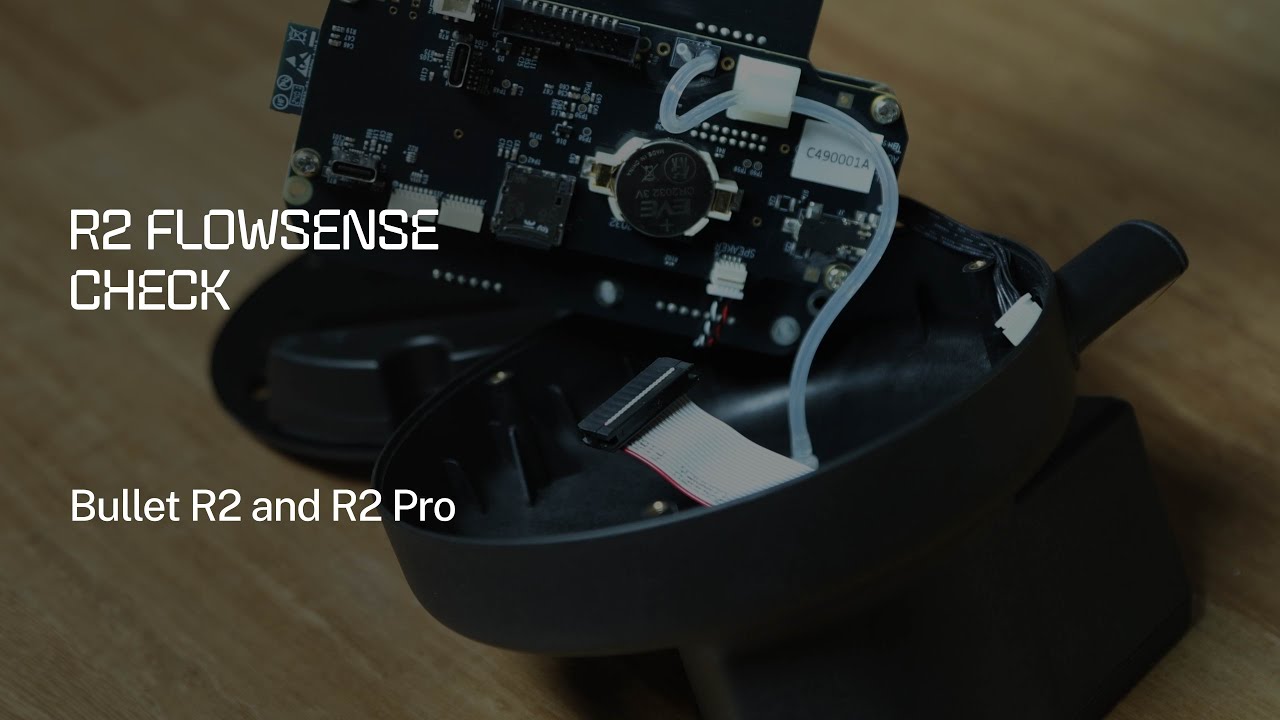
What Is Flowsense?
Flowsense is Aillio's proprietary airflow measurement system built into the Bullet R2 and R2 Pro drum roasters. A differential pressure sensor continuously measures the actual air moving through the drum and compares it against the fan speed (F setting) you have selected. This real-time feedback loop is what makes the Bullet so reliable across different environments — whether you are roasting at sea level in Ho Chi Minh City or at altitude.
If Flowsense detects a mismatch between commanded and actual airflow, RoasTime will display a Flowsense warning. Ignoring this warning can lead to uneven development, scorched beans, or — in serious cases — a chaff fire inside the drum.
Why the Flowsense Check Matters
Over time, chaff, coffee oils, and fine particulates accumulate in the airflow path. Even if you clean after every roast, partial blockages build up gradually and the sensor drift becomes real. A scheduled Flowsense check lets you catch these issues early, before they affect roast quality or trigger a safety shutdown mid-batch.
Aillio recommends performing this check:
- Every 10–15 kg of green coffee roasted
- Whenever you see a Flowsense error (F-ERR) in RoasTime
- After a deep cleaning or any hardware maintenance
- If roast curves start deviating unexpectedly from your saved profiles
Step-by-Step: Running the Flowsense Check
1. Preheat to Charge Temperature
Start a roast session in RoasTime and bring the drum up to your normal charge temperature — typically 200–230 °C. The Flowsense sensor is temperature-sensitive, so readings taken at cold ambient temperatures will not be representative of real roasting conditions.
2. Navigate to the Flowsense Diagnostics Screen
In RoasTime 4, go to Machine → Diagnostics → Flowsense. You will see a live readout of the pressure differential at each fan speed step (F1 through F9). The software also shows the expected range for a clean, unobstructed machine.
3. Step Through Fan Speeds
Manually step the fan from F1 up to F9 in increments, pausing at each step for 10–15 seconds to allow the reading to stabilize. Note any steps where the measured value falls outside the green band in the diagnostic chart — this indicates a partial blockage or sensor issue at that airflow level.
4. Inspect the Airflow Path
If readings are low, work through the airflow path in order:
- Chaff collector — empty and brush clean; compacted chaff is the most common cause
- Cooling tray screen — remove and blow out with compressed air
- Drum interior — inspect for oil residue or lodged chaff pieces using a flashlight
- Exhaust elbow and ducting — check for kinks, condensation, or debris in the first 30 cm of duct
- Flowsense port — the small port on the back of the drum chamber; clean gently with a dry brush
5. Re-run the Check and Confirm
After cleaning, repeat the fan-step sweep. All readings should fall within the expected range. If a particular fan speed still reads low after thorough cleaning, contact Aillio Support directly at aillio.com/contact-us — do not attempt to adjust the sensor hardware yourself.
Tips for Vietnamese Roasters
Vietnam's humidity — especially in coastal cities — means condensation inside ducting is more common than in drier climates. Consider routing your exhaust duct with a slight downward slope so moisture drains outward rather than pooling at the elbow. Also, Vietnamese specialty green coffees tend to carry more silverskin than washed East African lots, so you may need to empty the chaff collector more frequently than the standard Aillio schedule suggests.
Keeping Flowsense healthy means your RoasTime profiles will reproduce faithfully batch after batch — the foundation of consistent, high-quality coffee for your customers.