
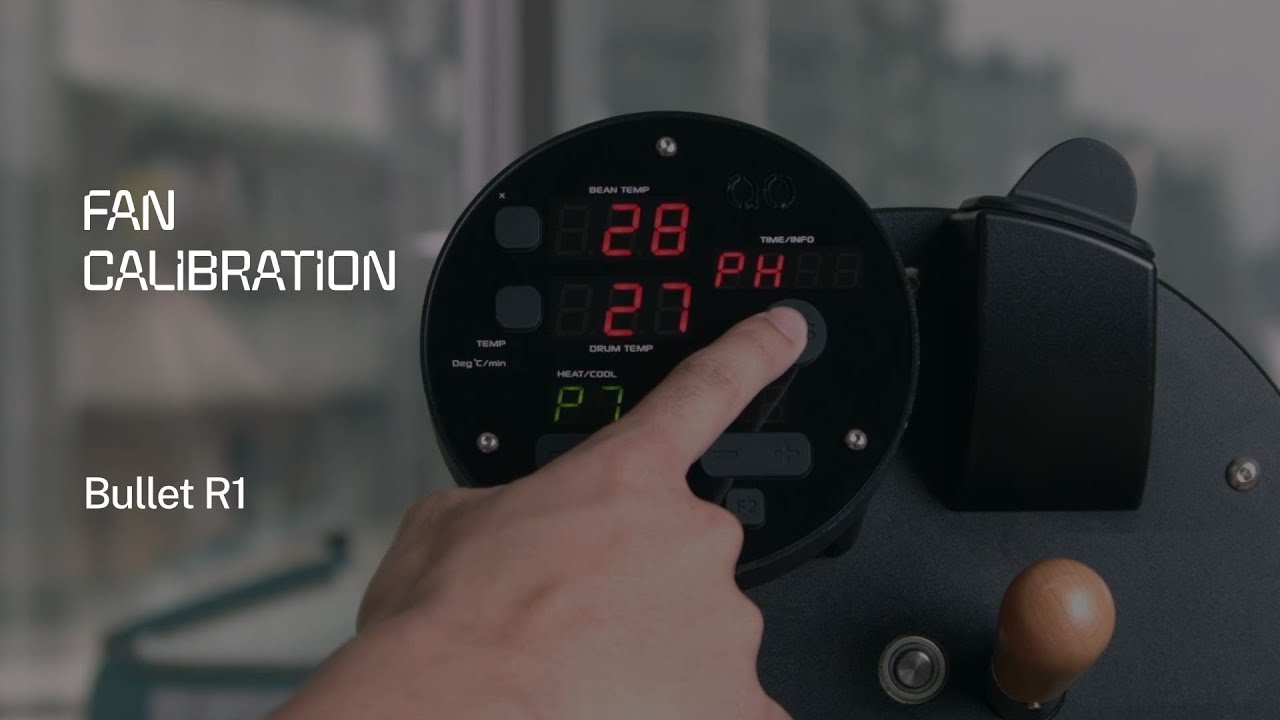
Why Fan Calibration Matters
The exhaust fan on the Aillio Bullet R1 is one of the most critical variables in the roasting process. Airflow directly affects heat transfer, smoke evacuation, and the rate at which bean temperature rises. If the fan is not properly calibrated, the fan speed settings you dial in RoasTime will not correspond to actual airflow — leading to unpredictable roast curves and inconsistent results batch after batch.
Aillio recommends running the fan calibration procedure whenever you notice that fan behavior seems off — for example, if the fan runs louder than expected at low settings, fails to reach full speed, or if you have recently replaced the fan or updated firmware.
When to Calibrate
- After a firmware update that affects fan control
- After replacing the exhaust fan or front fan
- When roast profiles that previously worked well start producing different results
- If RoasTime reports fan speed errors or inconsistent RPM readings
- As part of a thorough periodic maintenance check every 50–100 roasts
How the Calibration Works
Fan calibration on the Bullet R1 is performed through the RoasTime software on your connected computer. The process instructs the machine to sweep the fan from its minimum to maximum operating speed, recording the actual electrical response at each step. This data is stored on the machine and used to map your F1–F9 (or 0–9) settings to real-world airflow values.
- Connect your Bullet R1 to your computer via USB and open RoasTime.
- Navigate to the machine settings or diagnostics panel (exact location depends on your RoasTime version).
- Select Fan Calibration and follow the on-screen prompts.
- The machine will run through a full fan speed sweep automatically — do not interrupt this process.
- Once complete, RoasTime will confirm that calibration data has been saved to the machine.
After Calibration
Run a test roast and observe fan response in the RoasTime graph. Fan speed transitions should be smooth and match your programmed steps. If the problem persists after calibration, the issue may be mechanical — check for chaff buildup around the fan blades and exhaust path, or contact Aillio support directly at aillio.com/contact-us.
A Note on Support
Comments are disabled on Aillio's technical support videos because real troubleshooting requires direct communication with their engineering team. For any issue that calibration does not resolve, use the official support channel. As the authorized distributor in Vietnam, Bullet Vietnam can also assist with technical questions and service.